


Welcome to Lifebit Start — Let’s Get You Set Up for Success
You’ve joined the world’s most secure research environment. This onboarding session will help you activate your workspace and start exploring immediately.
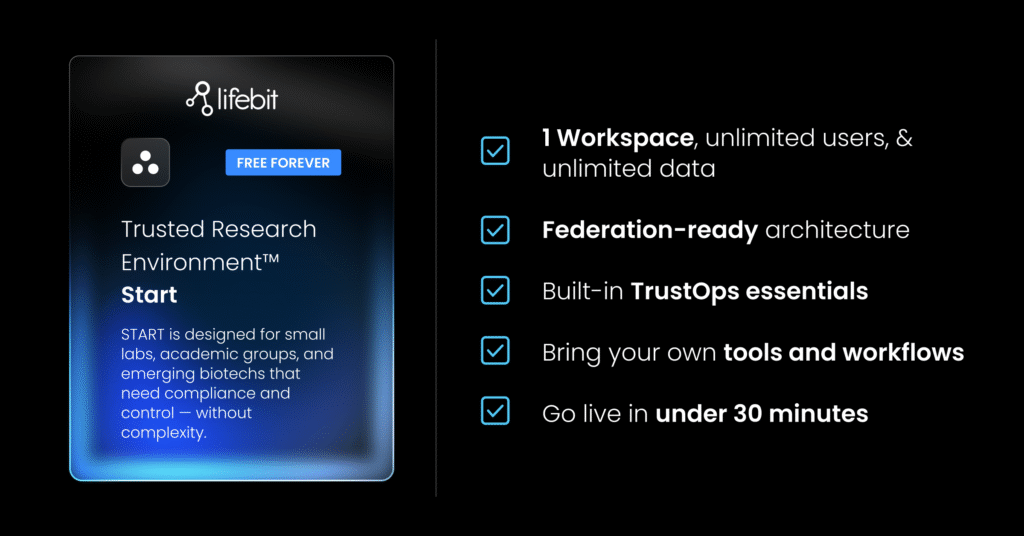
✅ Self onboard Lifebit Start
Upon signing up for Lifebit Start, you will receive instructions to:
- Set up your first workspace
- Invite users and assign roles
- Run your first analysis using Lifebit tools
- Answer any questions and review what’s included in your Start plan
💡 What to keep ready before setup
Please keep prepared with the following details:
- Your AWS or Azure account credentials to set up the platform
- Credentials for where your data is stored in order to link your data to your workspace
- The types of data you want to analyze (e.g. EHR, omics, survey)
- Names/emails of users you want to add to your workspace
- Any questions about analytics tools (e.g. Jupyter, R-Studio, Nextflow)
- A basic use case you’d like to be started with
🧭 What You Can Expect by the end of the setup
By the end of setup, you’ll have:
- A fully activated Lifebit workspace
- Users invited and roles assigned
- A sample dataset loaded or analysis workflow initiated